The photo that will actually animate well (and the ones that will not)
Most camera rolls have hundreds of good photographs and only a handful of good source material. A practical way to tell which is which before you spend a generation on the wrong one.
Most people have thousands of photographs and, for this purpose, a much shorter list. A photograph can be a favourite, well composed, full of memory, and still be a poor choice to animate. The two qualities are not related, and knowing the difference before you generate anything saves you from spending your attempts on the wrong file.
The photo you like is not always the photo that works
The instinct is to reach for the best picture in the album. The better question is narrower: which picture already looks close to the movement you want to add? A photograph that has to be transformed into the pose an action needs will always look less certain than one that was already most of the way there. The app is not being asked to imagine a scene from nothing, it is being asked to extend a few seconds either side of the frame you give it. The less distance it has to cover, the more the result looks like the person in your photograph rather than a plausible stranger.
Match the crop to the movement before anything else
This is the single biggest factor and the easiest one to check yourself, because it does not require any judgement about quality, only measurement.
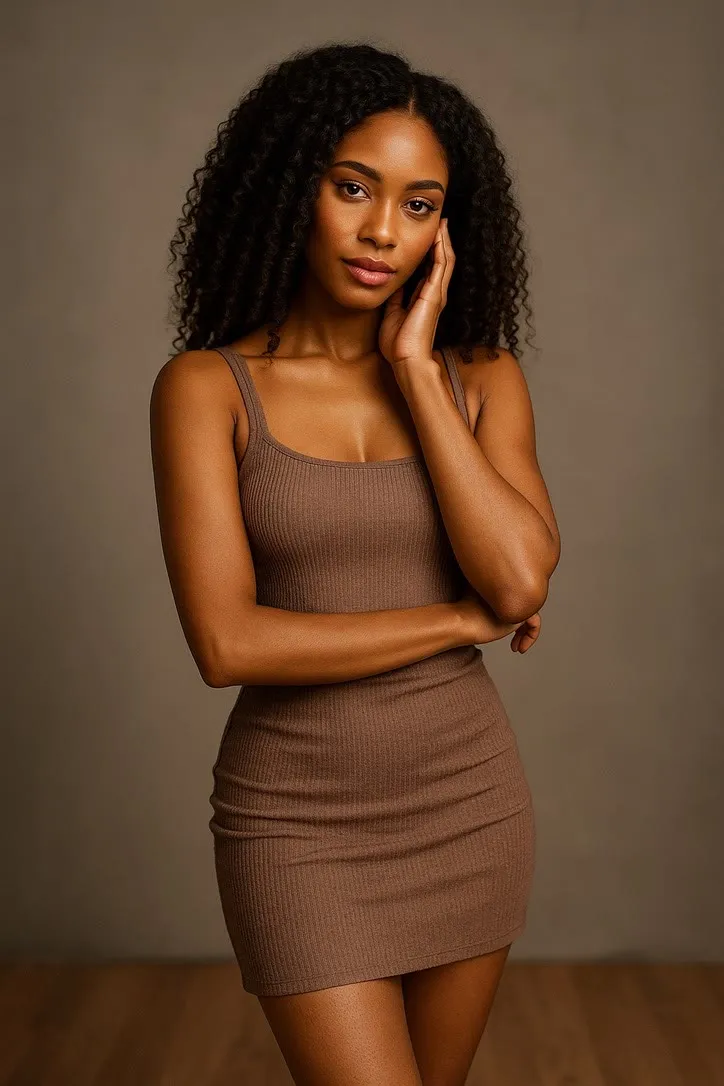
- Full body needed. Anything that travels or uses the legs, dance, sport, hiking, cycling, wants the whole person in frame with room around them. Breakdance and surfing are honest examples: crop either at the waist and the model has to invent legs it never saw, and invented legs are where a result stops looking like your photograph.
- Waist up is enough. Musical instruments, most fashion poses, and small greetings live here. Waving is the most forgiving action in the whole library for exactly this reason, chest up is all it asks for, and a hand already visible in the photograph gives the model a real starting point instead of an invented one.
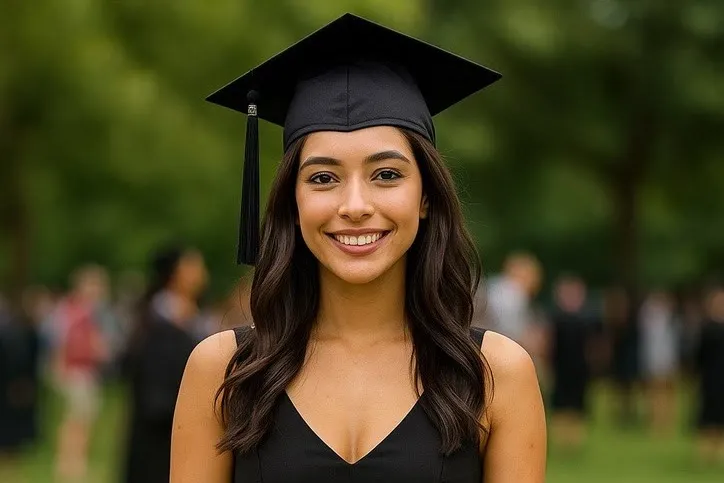
- Face and shoulders only. Expressions and reactions want the face large in the frame and not much else. A face that occupies a fifth of the picture will animate, but the expression will read as smaller and less certain than the same face cropped in tighter.
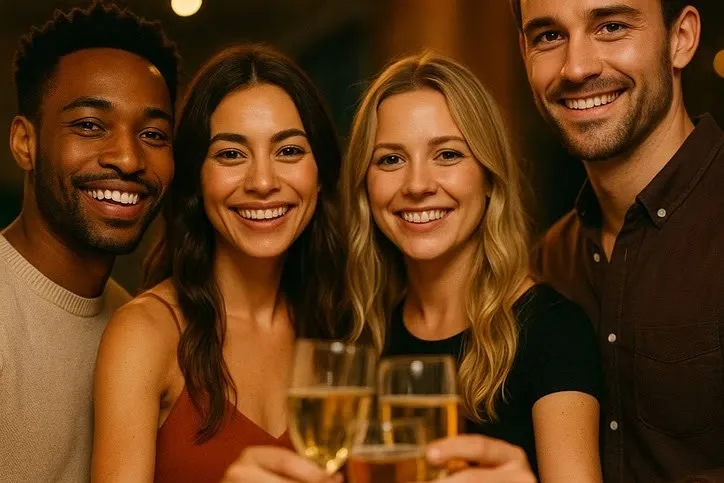
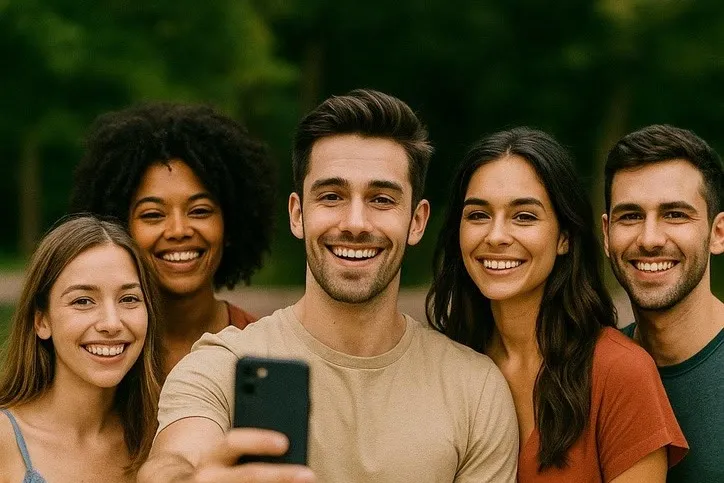
- Several people, similar sizes. Group selfie and the party actions want two or three faces of comparable size, close together and clearly lit, not one face large in the foreground with three more trailing off into shadow.
If you are not sure which group an action falls into, its own page states the crop it wants. Check that before you generate rather than after.
Light and angle beat resolution every time
A sharp photograph of a face lit from below, or turned three-quarters away from the camera, will animate worse than a slightly soft photograph of a face lit evenly from the front. That surprises people, because it runs against everything a printer or a photo app tells you about image quality. The model is not grading your photograph on sharpness. It is trying to work out the shape and expression of a face well enough to move it, and even, front-on light is what makes that possible. Harsh overhead light, strong backlight, and a face turned past three-quarters are the three things that most often produce a result that looks wrong in a way that is hard to name.
Sunglasses and a low hat brim cause a specific version of the same problem: the eyes disappear, and a great deal of what makes an expression convincing comes from the eyes. It is not disqualifying for a full-body action where the face is a small part of the picture, but it will flatten anything built around a reaction or an expression.
One face is a different problem from several
A single clear face is the easiest case there is. Every additional face divides the model’s attention and the frame’s resolution between more people, and small faces are consistently the weakest part of any generated clip. Two or three faces close together, similarly sized, hold up well. A wide group shot with faces scattered across a large frame tends to stay a good still photograph and become a disappointing clip, no matter how good the original picture is.
If the photograph matters because of one specific person in it, a tighter crop that favours their face over the full group is usually the better source image, even if it means leaving other people mostly out of frame.
Where the file has been matters as much as what is in it
The most common reason a photograph disappoints is not the photograph, it is the copy of it you are working from. A screenshot of a photo posted somewhere else, resaved out of a messaging app, has usually been compressed twice by two different pieces of software, and detail does not come back after that. Track down the original file on a camera roll or in cloud storage before deciding the photograph itself is the limit.
For older prints, the more common issue is the print rather than the copy: a crease, a colour shift, or genuine fading that the model reads as part of the picture and carries into every frame it generates. If that is the situation, repairing the scan first is worth more than any number of retries on the worn original. Our sister site has a practical guide to restoring an old or damaged photo before you do anything else with it. Animate the repaired file, not the original print, and keep the print regardless.
A short list of photographs to skip
A few kinds of photograph are worth ruling out before you spend a generation on them: anything already blurred from camera motion, since the model has no sharp information to work from and will not invent it; a collage or a composite of several photographs stitched into one frame, which reads as one confusing scene rather than one subject; and a photo of a photo, taken on a phone at an angle, which adds glare and geometric distortion on top of whatever the print already had. None of these are permanently disqualified, but they are the cases where a second attempt on the same file rarely fixes what the first one got wrong, because the problem is in the source rather than in the run.
The one-minute check, before you generate
- Find the action’s own page and note what crop it expects.
- Hold your photograph next to that expectation. Is the crop close enough, or does the action need something the picture does not show?
- Look at the face alone. Front-on, evenly lit, eyes visible?
- If there is more than one person, are the faces you care about a good size, or lost in a wide frame?
- Is this the original file, or a copy of a copy?
Five questions, and most of the disappointing results trace back to a no on one of them.
Said plainly
The model is generating a plausible few seconds of movement from one still frame, not recovering anything that was filmed. A good source photograph makes that guess smaller and the result more convincing. It does not make the guess disappear.
Once you have a photograph that passes this check, the occasion-specific guides go further into which action actually suits it: animating old family photos for a reunion and graduation, new baby, and the milestone photo both work through real examples. The action library’s own notes on the limits are worth reading in full before your first attempt.
Common questions
- What resolution does a photo need to animate well?
- Whatever your phone or a decent scan already produces is enough. The problem is almost never the original file, it is a second-generation copy, a screenshot of a photo someone else posted, or an image resaved twice by different apps. Find the original if you can, before assuming the photograph itself is the limit.
- Can I animate a photo with several people in it?
- Yes, but each face gets a smaller share of the frame and a smaller share of the model's attention. Two or three close faces work. A group of ten holds up as a still and rarely holds up as a clip, because small faces are exactly what these models handle worst.
- Does it matter if someone is wearing sunglasses or a hat?
- For most actions, yes. The model reads a lot from the eyes, and a brim or a dark lens removes that entirely. It is not disqualifying for something like a full-body action where the face is a small part of the frame, but it will flatten anything built around expression.
- My only copy is small and a bit faded. Is it worth trying?
- Try it once before deciding it will not work, results vary more than people expect. But if the photograph is genuinely degraded, a scan and repair first will do more for the result than any amount of retrying the same worn file.